
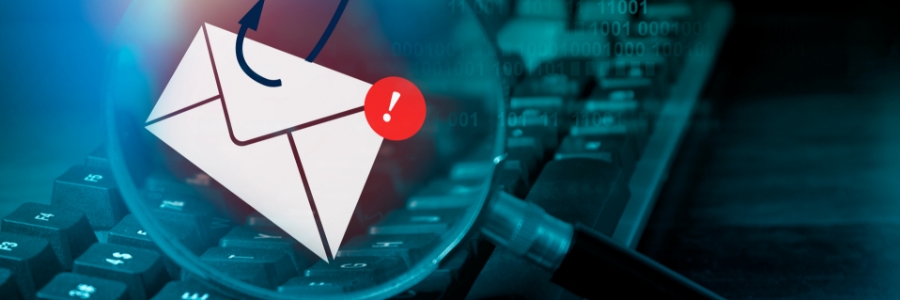
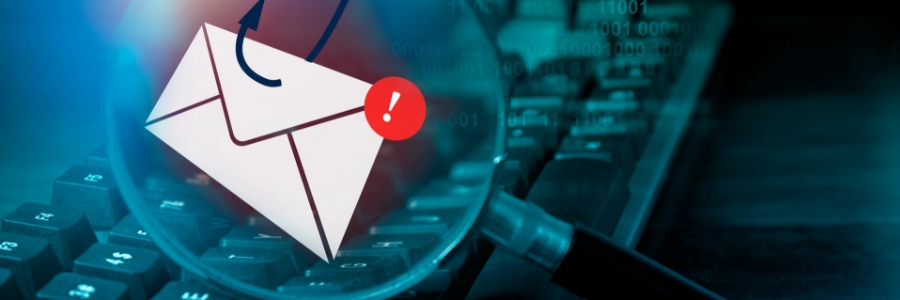
Office devices phishing attacks are rising fast. Cybercriminals now use printers and scanners to launch attacks without hacking your email account. This guide explains how to spot and stop this threat to keep your workplace safe.
How Hackers Use Office Devices to Send Phishing Emails
Microsoft 365 Direct Send was designed to simplify internal email. However, hackers exploit it to send phishing messages that look like internal communications. They never need to access a single email account.
These messages bypass security filters that block suspicious emails. They mimic normal document alerts or voicemail notifications. Employees trust these emails and open them readily. Once a link is clicked, hackers steal credentials or install malware on your network.
Why Office Devices Are Perfect for Cybercriminals
Printers and office devices often handle sensitive documents. Yet IT teams frequently overlook them in security plans. This gap creates vulnerabilities that hackers actively exploit. Without strong security, printers and scanners become gateways for office devices phishing schemes. As a result, many organizations face serious risk without knowing it.
Tips to Stop Office Devices Phishing Attacks
You must integrate all office devices into your cybersecurity strategy. Update them regularly, configure them securely, and monitor them continuously. Start with these steps:
- Check your email settings: Add security measures that detect spoofing and verify authentication. Review Microsoft guidance on device email setup for best practices.
- Treat all devices equally: Monitor printers, scanners, and other network devices. Apply security patches immediately when available. Watch for unusual behavior like unexpected printing or flashing lights.
- Train your employees: Teach staff to identify suspicious emails, especially those appearing to come from inside the company. Require employees to verify any email requesting sensitive information.
- Monitor email activity: Watch for messages sent from unfamiliar devices or unusual destinations. Set up alerts for abnormal email behaviors to catch problems early.
Stay Proactive to Stop Phishing Threats
Every network-connected device is a potential weak point. You must treat each one as a security endpoint. Therefore, your security plan must cover printers, scanners, and every other office device. Our cybersecurity services help you build a comprehensive defense that covers all devices on your network.
Contact our IT team today to protect your organization against office devices phishing attacks and other cybersecurity threats.